Improve ease of use
When the web interface is changed, the “user response” also changes dramatically.
For example, a contact form.
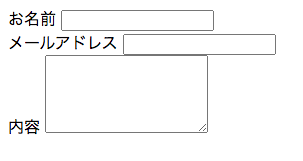
First, we need to set up the layout.
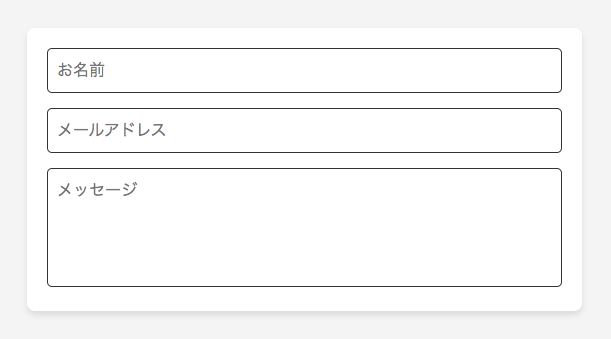
Items are always displayed in small size to avoid confusing users.
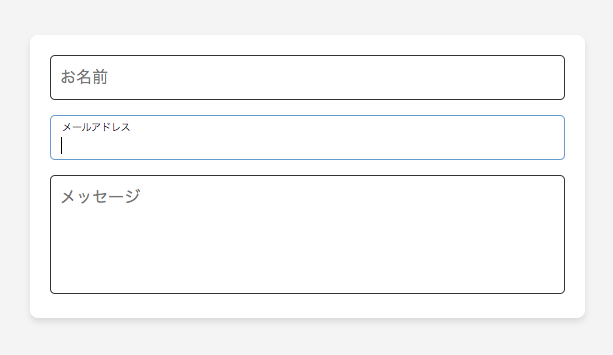
It would also be possible to make the border bold while typing or when selecting.
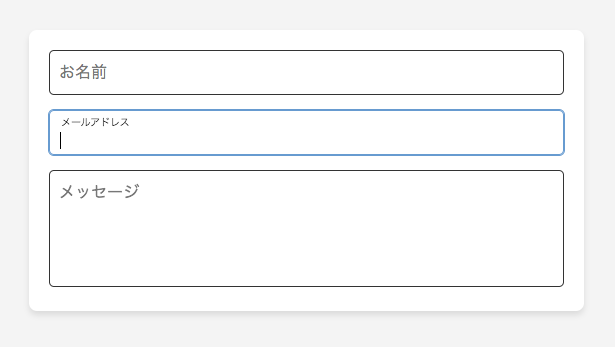
Here are some ideas.
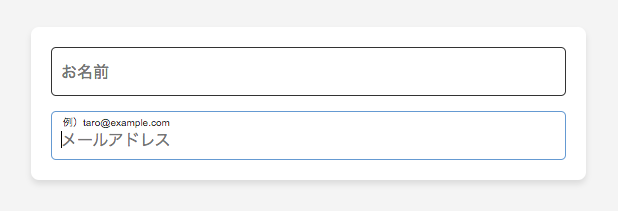
User response changes as usability changes.
If it’s not easy to use, you won’t want to use it. But “easy to use” is better than “hard to use”. The interface is part of customer service.Let’s keep improving the quality.
Is your website designed in a user-friendly manner?