Infinitely expandable menu
An important additional button on the user interface. The voting system needs to be designed so that users can freely add items if the number of candidates changes.
This is controlled by the “Add an item” option.
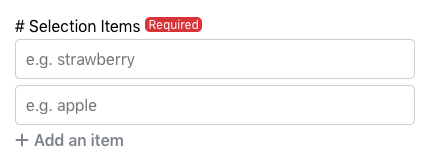
When you actually click on the link, the numbers will increase in order from “options3.”
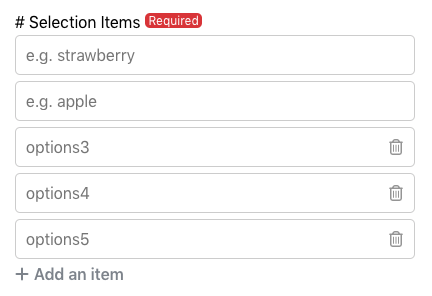
If options3 is removed from the candidates, options4 will be rechecked as the third option, so options3 and 4 will appear side by side. I will explain how it works.
────────────────
・options3 ← Delete with the trash can icon
・options4
・options5
────────────────
The above “options3” has been deleted, as shown below.
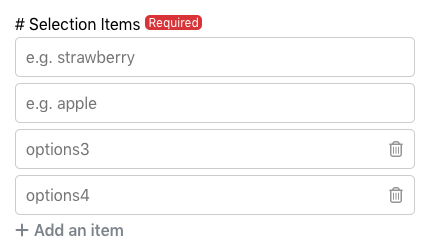
Of course, there is no limit to the number of candidates, so you can add as many as you like. Until recently, there was no function to recheck the numbers, so we made some minor adjustments to improve usability.
Please take this opportunity to try it out.